RGDPS 2.2 APK is a free fan-made Geometry Dash private server for Android. It runs on its own server, separate from the official game, and gives you community-made levels, an advanced level editor and real-time multiplayer without paying for the official game. In this guide you will get the latest RGDPS 2.2 APK download, the full app details, the key features, and a step-by-step install guide that works on any Android phone.
Free direct download from apkcheers.io – no sign-up needed
RGDPS APK at a Glance
| App Name | RGDPS APK (Rick GDPS) |
| Latest Version | 2.2.143 |
| File Size | 155.4 MB |
| Requires Android | Android 5.0 and up |
| Package Name | com.gdpssxx.johnrickgdps |
| Developer | JohnRickGD |
| Category | Games |
| Price | Free |
| Updated | 30 April 2025 |
| On Google Play | No, not listed |
What is RGDPS APK?
RGDPS stands for Rick Geometry Dash Private Server. It is a fan-made version of Geometry Dash that runs on the Geometry Dash 2.2 engine but connects to its own private server instead of the official RobTop servers. The project is made and maintained by JohnRickGD and the Geometry Dash community, and it is not made, owned or endorsed by RobTop Games.
Because it runs on a separate server, RGDPS has its own levels, accounts, leaderboards and events. You need to create a new RGDPS account to play, and your progress, stars and levels from the official game do not carry over. In return you get all levels unlocked, thousands of community levels, and features that the official game keeps behind a paywall, all for free.
Key Features of RGDPS APK
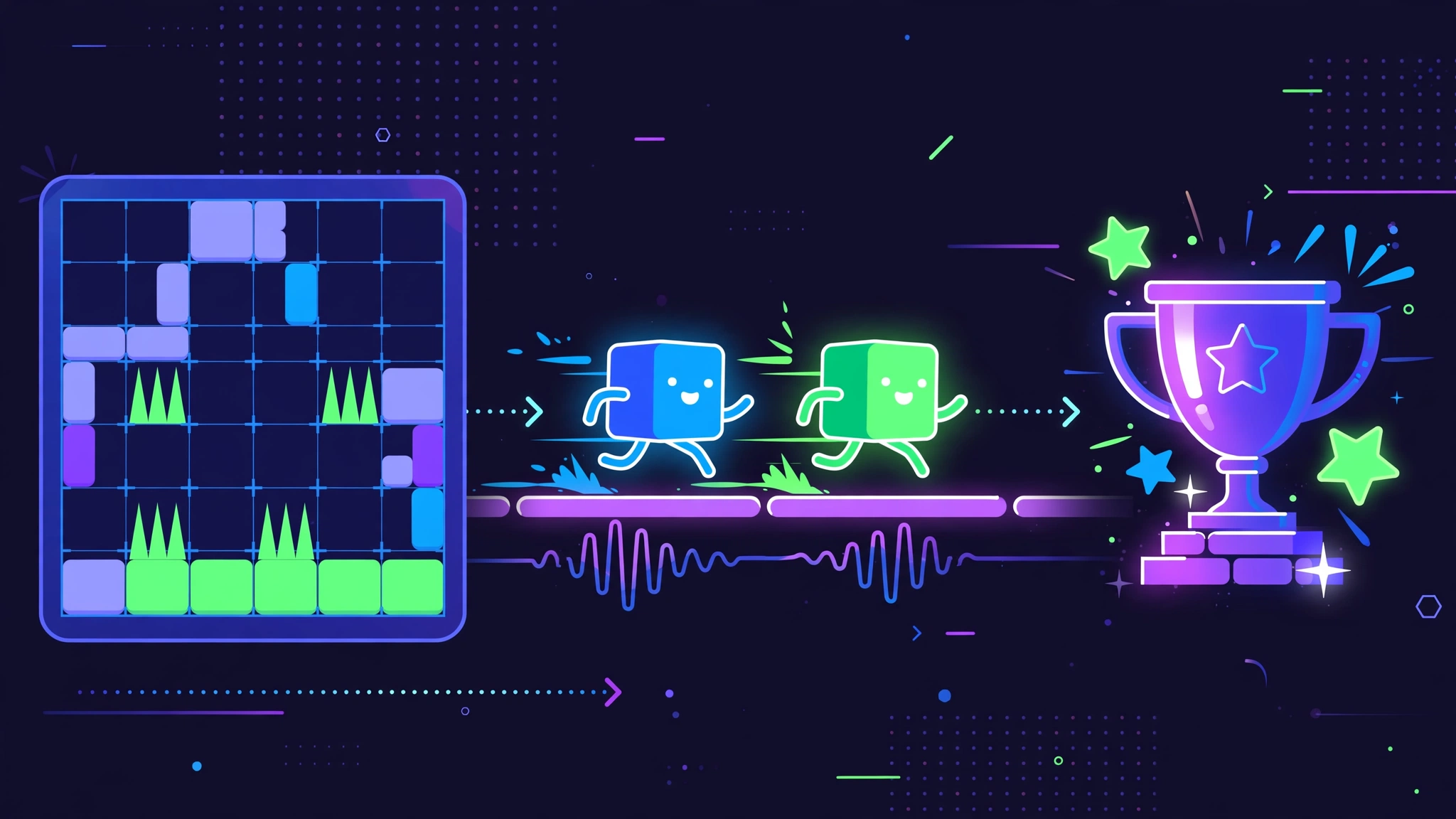
- Private server with exclusive content: a dedicated server with its own level sets, rewards and community challenges, separate from official Geometry Dash.
- All levels unlocked: play Harder, Insane and Demon levels right away, including Deadlocked, Fingerdash and Blast Processing, without grinding for stars or keys.
- Advanced level editor: build your own levels with triggers, effects, precise music syncing and detailed decoration tools.
- Globed multiplayer: join real-time co-op and competitive runs with players around the world, race friends and climb the leaderboards.
- 5,000+ rated community levels: a growing library of rated levels with simple tools to submit, rate and discover trending or themed levels.
- Ad-free gameplay: no pop-up ads while you play, browse levels or build in the editor.
- Cross-platform and Geode support: Android, iOS and Windows builds exist, with Geode mod support on desktop, plus custom music through NONG tracks.
How to Download and Install RGDPS APK on Android
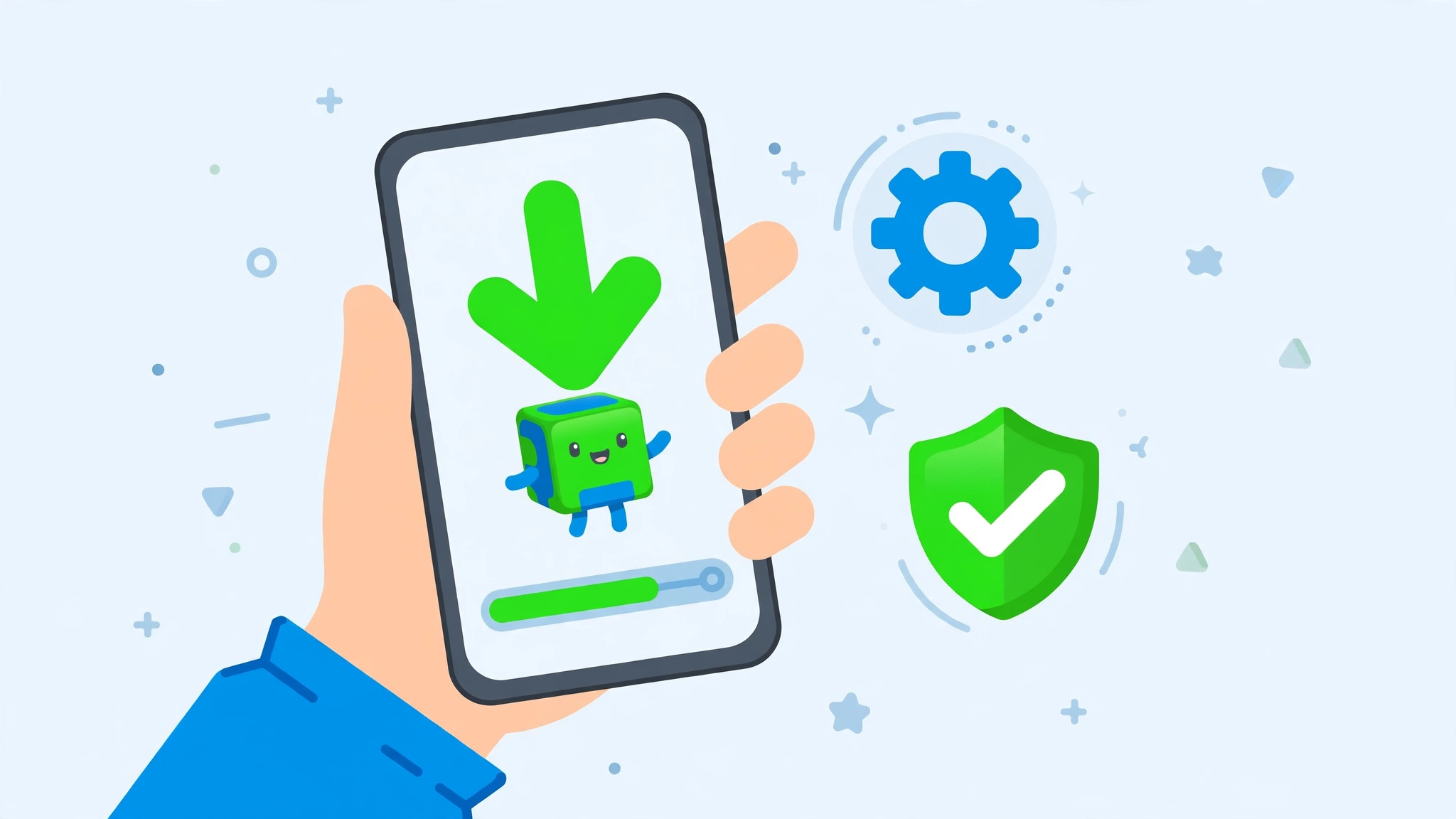
Follow these 5 steps. The whole install takes only a few minutes.
- Tap the download button on this page to download the RGDPS 2.2.143 APK file. The file is 155.4 MB, so use Wi-Fi if you can.
- Open Settings on your phone, go to Security, and turn on “Install from Unknown Sources”. On newer Android versions, allow your browser or file manager to install unknown apps when asked.
- Open the downloaded file from your Downloads folder and tap Install.
- Wait for the install to finish, then tap Open, or find the RGDPS icon on your home screen.
- Create a new RGDPS account. Your official Geometry Dash account does not work here, because RGDPS runs on its own server.
Is RGDPS APK Safe and Legal?
RGDPS is a fan-made private server, not an official RobTop Games release, and it is not listed on Google Play. That does not make it unsafe by itself, but it does mean you should be careful about where you get the file. Only download it from a trusted source, and check that the file is version 2.2.143 and 155.4 MB before you install it. You can also let Google Play Protect scan the file after install.
Keep in mind that RGDPS runs on its own server, so your official Geometry Dash account, progress and purchases do not carry over, and anything you unlock in RGDPS stays in RGDPS. Download and use the app at your own risk, and follow the laws in your country.
Troubleshooting: If the Install Fails
- App not installed: the file may be incomplete. Delete it and download it again from the button above, and check that the finished file is 155.4 MB.
- Not enough storage: the game needs 155.4 MB for the file plus free space to install. Free up storage and try again.
- Login fails: the private server may be down for maintenance, or your username and password may be wrong. Wait a while and try again, or reset your password.
- Crashes or lag: clear the app cache, close background apps, turn off battery saver, and restart your phone.
- Server connection error: the RGDPS server may be under maintenance. Wait some time and try again, or log out and log back in.
FAQs – RGDPS APK Download
Is RGDPS the official Geometry Dash app?
No. RGDPS is a fan-made Geometry Dash private server made by JohnRickGD. It is not made, owned or endorsed by RobTop Games, the maker of Geometry Dash.
Do I need to buy the official Geometry Dash game to play RGDPS?
No. RGDPS is free and runs on its own server, so you do not need the official game installed or purchased to play it.
Can I log in with my official Geometry Dash account?
No. RGDPS runs on a separate server, so you need to create a new RGDPS account. Your official levels, stars and progress do not carry over to RGDPS.
How do I update RGDPS to the latest version?
Download the new APK from the button on this page and install it over the old version. Your account and levels stay on the RGDPS server, so you do not lose them.
Why is RGDPS not on Google Play?
Because it is a fan-made private server and not an official RobTop release, it is not listed on Google Play. That is why it is supplied as an APK file.
Free direct download from apkcheers.io – no sign-up needed
Disclaimer: RGDPS (Rick GDPS) is a fan-made Geometry Dash private server developed by JohnRickGD. It is not affiliated with, endorsed by, or connected to RobTop Games. apkcheers.io is not affiliated with either of them. Download and use the app at your own risk.