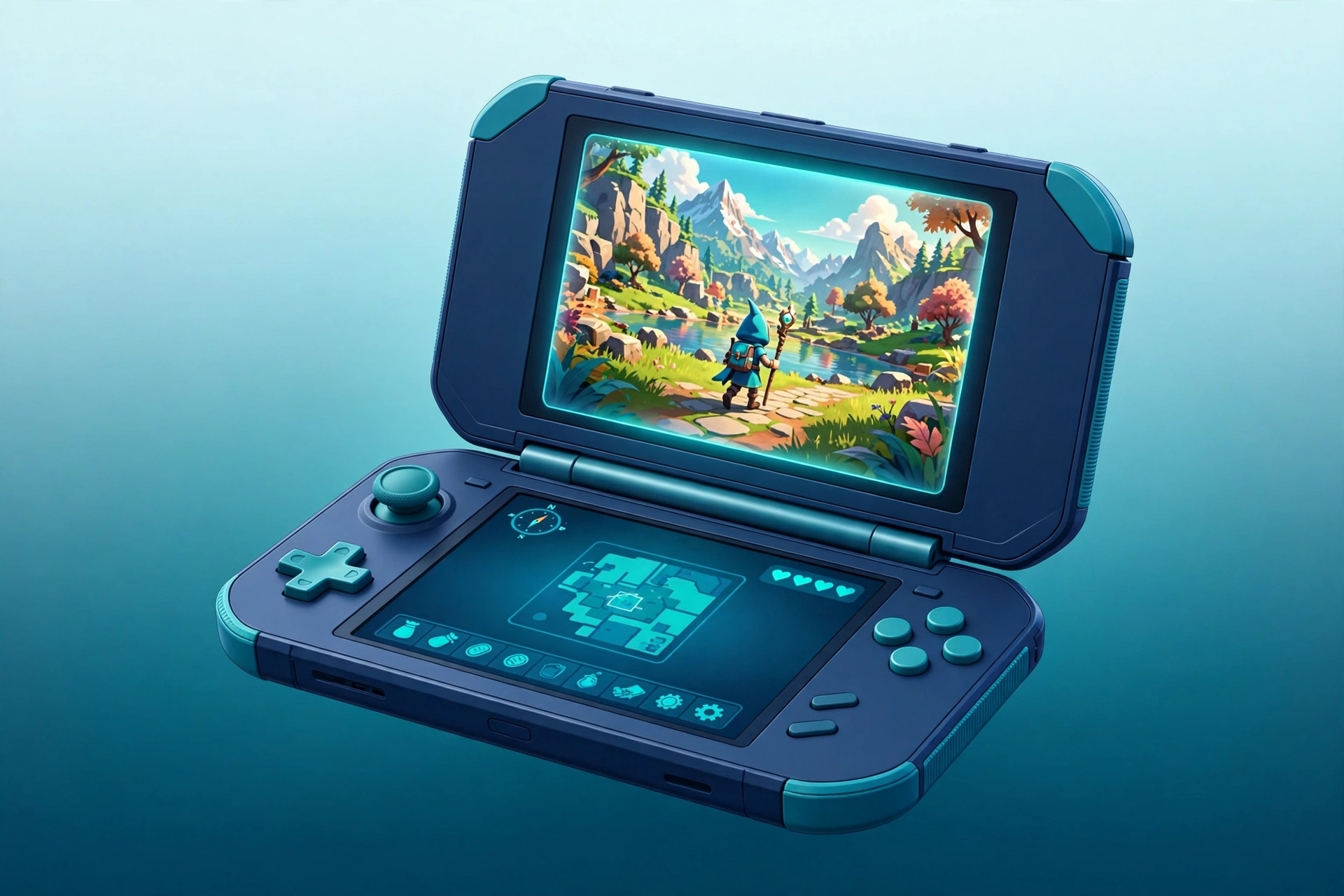
3DS Emulator APK lets you play Nintendo 3DS games on your Android phone, with better graphics than the original handheld. The app in this guide is Azahar, the official open-source 3DS emulator and the direct successor to Lime3DS. In this guide you will get the latest 3DS Emulator APK v2126.2 download, the full app details, the key features, and a step-by-step install guide that works on any Android phone.
Free direct download from apkcheers.io – no sign-up needed
3DS Emulator APK at a Glance
| App Name | Azahar Emulator (3DS Emulator APK) |
| Latest Version | v2126.2 (Stable) |
| File Size | 47.9 MB |
| Requires Android | Android 10 and up, 64-bit ARM device |
| Package Name | org.azahar_emu.azahar |
| Category | Games |
| Price | Free, open source |
| Updated | 8 October 2026 |
| Developer | Azahar Emulator team |
What is 3DS Emulator APK?
3DS Emulator APK is Azahar, a free and open-source emulator for Nintendo 3DS games on Android. It continues the work of Citra, the original 3DS emulator. Lime3DS was one of the projects that carried Citra forward, and Lime3DS has now merged with PabloMK7’s fork into Azahar, which has replaced both projects. Azahar is the actively maintained version, and v2126.2 is its latest stable release.
One thing to know before you install it: the emulator contains no games at all. You need your own legally dumped 3DS games to play anything. Azahar plays your game files in higher resolution than a real 3DS, with save states and controller support, so old favourites can look and feel better on a modern phone.
Key Features of 3DS Emulator APK
- Play 3DS games on Android: run your own Nintendo 3DS games on your phone or tablet.
- HD graphics: upscale games above the original 3DS resolution for a sharper picture.
- Save states: save and load your game at any moment, on top of the normal in-game saves.
- Controller support: play with a Bluetooth gamepad or the on-screen touch controls.
- Install updates and DLC: install game updates and DLC from CIA files inside the app.
- Fast on modern phones: built for 64-bit ARM devices, with good speed on most recent phones.
- Free and open source: the full source code is public on GitHub, with no paid version.
How to Download and Install 3DS Emulator APK on Android
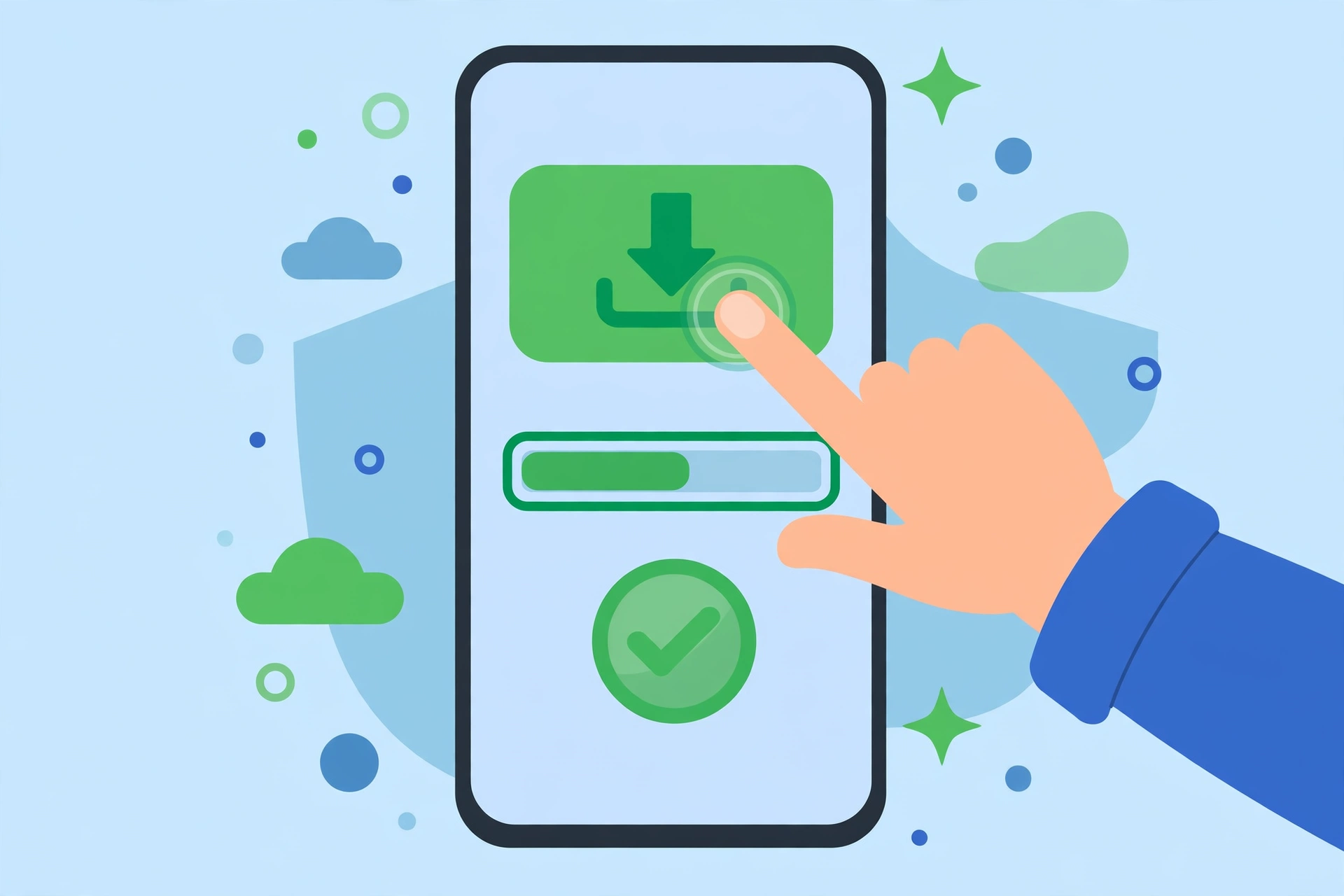
Follow these steps to install 3DS Emulator APK v2126.2 on your Android phone or tablet:
- Tap the download button on this page to download the Azahar v2126.2 APK file.
- When the download finishes, open the APK file from your notifications or your Downloads folder.
- If Android asks, allow installs from unknown sources for the app you downloaded it with, usually your browser or your file manager. This is normal for any APK that does not come from Google Play.
- Tap Install, wait for the install to finish, then tap Open.
- When the app asks for file access, allow it, then add the folder where you keep your legally dumped 3DS games. Your games will appear in the game list.
Is 3DS Emulator APK Safe and Legal?
Azahar itself is a free and open-source app, and the file on this page is the official v2126.2 build from the Azahar GitHub releases. Check that the file is v2126.2 and 47.9 MB before you install it. Avoid modified or repacked copies from random sites, because they are not official builds and they can carry malware. This version also fixes a security issue where a specially made CIA file could run code on the device, so keep the app updated.
On the legal side, emulators are legal, but games are not free. Azahar ships with no games, no system files, and no keys. Only play games you own and dumped yourself from your own 3DS. Downloading pirated 3DS games from the internet breaks copyright law in most countries, so follow your local rules. This guide is for information only, and apkcheers.io is not connected to the Azahar developers or Nintendo.
Troubleshooting: If the Install Fails
- “App not installed”: the Play Store version of Azahar uses a different package name, so it clashes with this build. Uninstall the Play Store version first, then install this APK. Also check that storage is not full.
- “Parse error”: the APK file is probably incomplete or damaged. Delete it and download v2126.2 again from the button above.
- Install is blocked: unknown sources are switched off for the app that opened the file. Turn it on for that app, your browser or file manager, and tap the APK again.
- Game shows a black screen: the game file may be a bad dump, or your phone may be too weak for that title. Try another game file, and lower the resolution in the settings.
FAQs – 3DS Emulator APK Download
Is 3DS Emulator APK free?
Yes. Azahar is completely free and open source. There is no paid version, and the file on this page is the official v2126.2 build from the developers.
Does the emulator include any games?
No. The emulator contains no games, no system files, and no keys. You need your own legally dumped 3DS games to play anything.
What happened to Lime3DS?
Lime3DS merged with PabloMK7’s fork into Azahar, and Azahar has replaced both projects. If you used Lime3DS before, Azahar is the same emulator under its new name, with active updates.
Will it run on my phone?
You need Android 10 or newer on a 64-bit ARM phone. Most phones from the last few years qualify. Heavier 3DS games also need a fairly fast phone to run at full speed.
How do I update 3DS Emulator APK?
Download the new APK from the button on this page and install it over the old version. You do not need to uninstall first unless the install fails.
Free direct download from apkcheers.io – no sign-up needed
Disclaimer: Azahar Emulator is developed by the Azahar Emulator team. apkcheers.io is not affiliated with or endorsed by them or by Nintendo. Download and use the app at your own risk, and only play games you legally own.