Auto Screen Mirror APK is a free Android app that turns your phone into a clear car dashboard. Mount your phone in landscape on your dashboard and you get your speed, a live map, the weather and internet radio on one screen, plus a simple service log for your car. In this guide you will get the latest Auto Screen Mirror APK v45.0 download, the full app details, the key features, and a step-by-step install guide.
One honest point before you download: despite the name, this app does not mirror your phone screen onto your car’s built-in display, and it does not connect to your car or read any vehicle data. It runs on your phone only, and your phone itself becomes the dashboard display. If that is what you want, it is a simple free tool for the job.
Free direct download from apkcheers.io – no sign-up needed
Auto Screen Mirror APK at a Glance
| App Name | Car Link – Auto Screen Mirror |
| Latest Version | v45.0 |
| File Size | 25.0 MB |
| Requires Android | Android 7.0 and up |
| Package Name | com.mirror.car |
| Developer | Flavapp |
| Category | Apps |
| Price | Free (contains ads) |
| Updated | 30 October 2026 |
| Content Rating | Everyone |
What is Auto Screen Mirror?
Auto Screen Mirror, listed on Google Play as Car Link – Auto Screen Mirror, is a free car dashboard app for Android by Flavapp. Instead of showing your phone’s normal home screen while you drive, it shows one big driving display: your GPS speed, a map that follows your position, the current weather, internet radio, and a clock, with the screen kept on while the dashboard is open.
The app comes with six dashboard layouts you can switch between at any time, including Classic, Glass, Navigator and Cockpit styles. You can also keep a simple service log for your car, and open your installed apps or dial contacts from the dashboard. It works in English, French, Spanish, German and Arabic.
It is important to know what it does not do. It does not link to your car’s infotainment system, it does not use MirrorLink or CarPlay, and it does not read speed or any other data from your vehicle. The speed it shows comes from your phone’s GPS, so it can differ slightly from your car’s own speedometer. The app is independent and is not affiliated with any car maker.
Key Features of Auto Screen Mirror
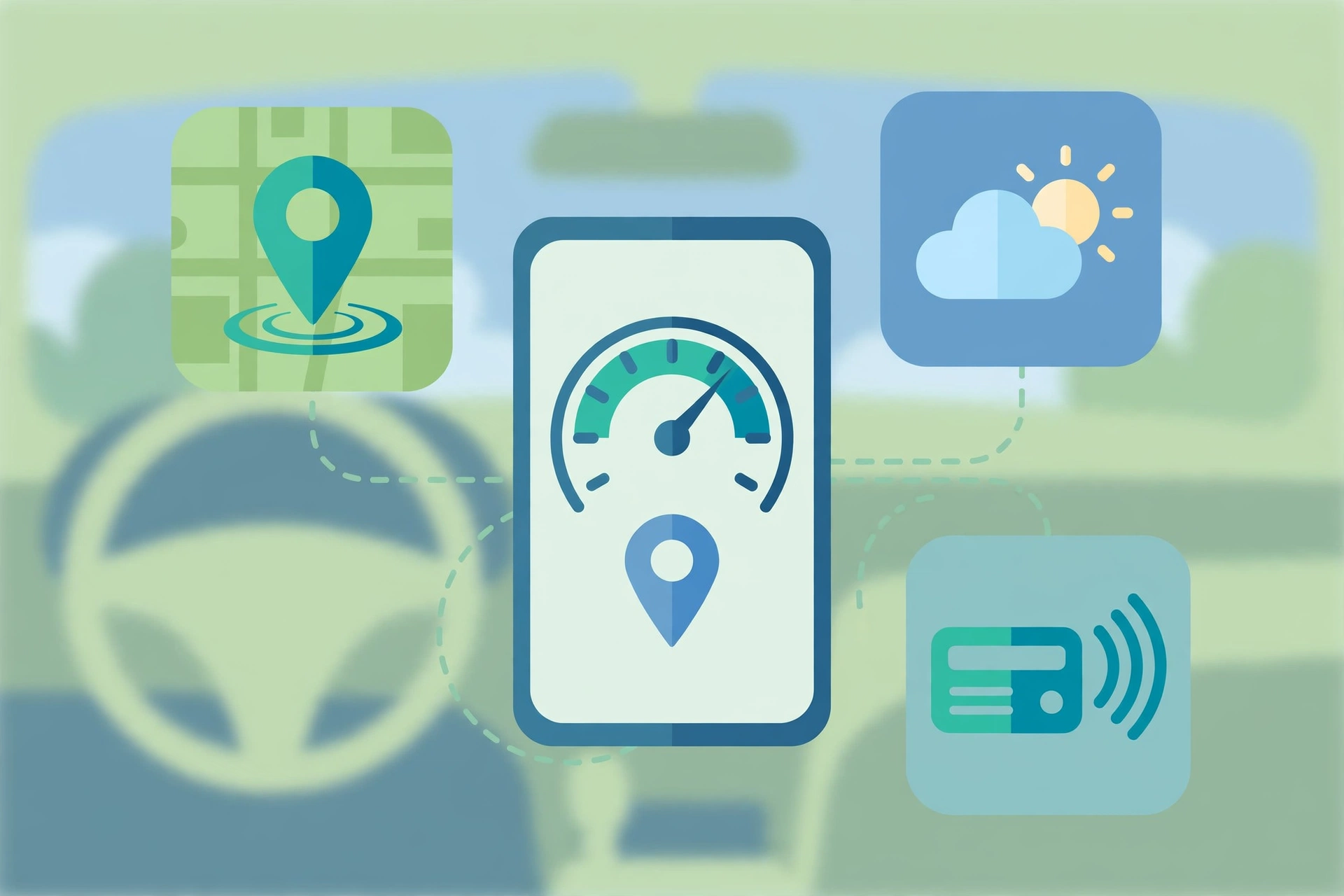
- Car dashboard display: mount your phone in landscape and see speed, map, weather and radio on one clear screen.
- GPS speed: your speed shown in km/h from your phone’s GPS, with a speed card on the dashboard.
- Live map: a map that follows your position as you drive.
- Weather: current temperature and city name on the dashboard.
- Internet radio: play, pause and switch radio stations from the dashboard.
- Six dashboard styles: Classic, Glass, Navigator, Cockpit and more, changeable at any time.
- Service log: keep a simple log of your car’s servicing in the app.
- Free to use: no payment needed, and no root or extra hardware is required.
How to Download and Install Auto Screen Mirror APK on Android

- Tap the green download button on this page to download the Auto Screen Mirror APK v45.0 file (25.0 MB).
- When the download finishes, open the APK file from your notifications or your Downloads folder.
- If Android asks, allow installs from unknown sources for the app you downloaded it with, usually your browser or your file manager. This is normal for any APK that does not come from Google Play.
- Tap Install, wait for the install to finish, then tap Open.
- Mount your phone in landscape on your dashboard, pick a dashboard style, and allow location permission so the speed and map can work.
Is Auto Screen Mirror Safe and Legal?
Yes, if you get the right file. The file on this page is the official v45.0 build of Car Link – Auto Screen Mirror (package com.mirror.car), taken from the app’s official store listing. Check that the file is v45.0 and 25.0 MB before you install it. Avoid modified or “premium unlocked” copies from random sites, because they are not official builds and they can carry malware. The official build is free and shows adverts, and that is how it stays free.
On safety while driving, be careful. A phone dashboard can distract you, so set it up before you start driving and do not watch videos or fiddle with the screen while the car is moving. The map, weather and radio need an internet connection, and the speed shown comes from GPS, so treat it as a guide and trust your car’s own speedometer for the exact speed. This guide is for information only, and apkcheers.io is not connected to the Flavapp developers.
Troubleshooting: If the Install Fails
- “App not installed”: an older version may still be on the phone, or storage is full. Uninstall the old version, free up space, and install the new APK again.
- “Parse error”: the APK file is probably incomplete or damaged. Delete it and download v45.0 again from the button above.
- Install is blocked: unknown sources are switched off for the app that opened the file. Turn it on for that app, your browser or file manager, and tap the APK again.
- Speed or map is blank: location permission is off, or there is no GPS signal. Allow location for the app, step outside for a clear GPS fix, and check that mobile data is on for the map.
- Radio does not play: internet radio needs a connection. Check mobile data or Wi-Fi, then try another station.
FAQs – Auto Screen Mirror APK Download
Does Auto Screen Mirror connect to my car display?
No. It runs on your phone only and does not connect to your car’s infotainment system or read any vehicle data. Your phone itself becomes the dashboard display when you mount it in landscape.
Is Auto Screen Mirror free?
Yes. The app is free to download and use, and it contains ads. There is no paid version needed to use the dashboard, speed, map, weather or radio.
Which Android version do I need?
Android 7.0 or newer. The app has been on Google Play since September 2020 and the latest version v45.0 was updated on 30 October 2026.
Do I need to root my phone?
No. Auto Screen Mirror installs like any other APK. You only need to allow unknown sources for the app that opens the file, and allow location permission for the speed and map.
How do I update Auto Screen Mirror?
Download the new APK from the button on this page and install it over the old version. Your settings and service log stay in place. You do not need to uninstall first unless the install fails.
Free direct download from apkcheers.io – no sign-up needed
Disclaimer: Car Link – Auto Screen Mirror is developed by Flavapp. apkcheers.io is not affiliated with or endorsed by them. Download and use the app at your own risk, and follow the road safety laws in your country.