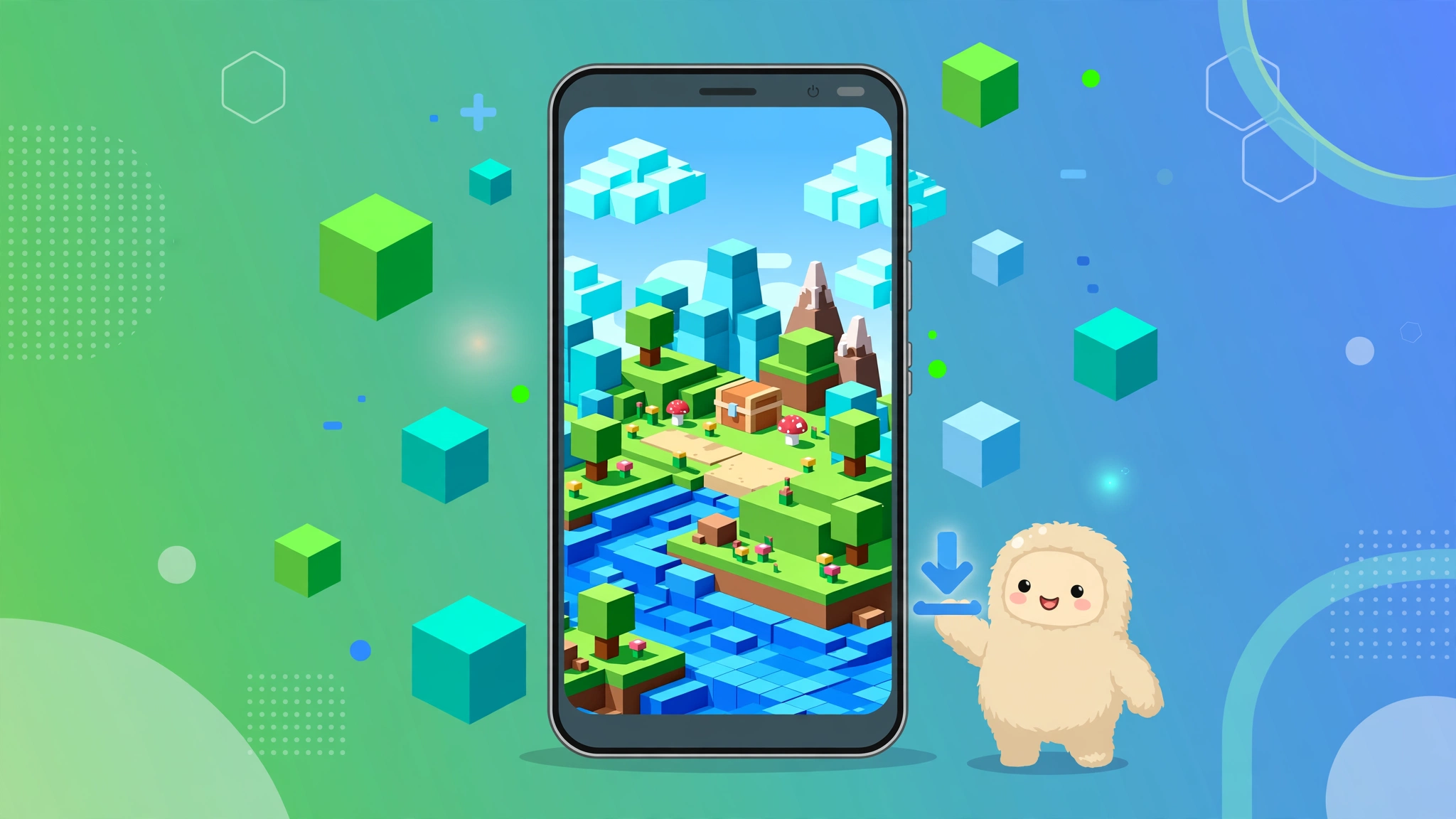
Zalith Launcher is one of the best ways to play Minecraft: Java Edition on an Android phone. It is a free, open-source launcher built on the PojavLauncher core, with a modern interface, built-in Java runtimes, and support for mods, modpacks and controllers. In this guide you will get the latest Zalith Launcher APK v2.8.2 download, the full app details, the key features, and a step-by-step install guide that works on most Android phones.
Free direct download from apkcheers.io – no sign-up needed
Zalith Launcher APK at a Glance
| App Name | Zalith Launcher 2 (Zalith Launcher APK) |
| Latest Version | v2.8.2 |
| File Size | 176.2 MB (ARM64 build, for most Android phones) |
| Requires Android | Android 8.0 and up |
| Package Name | com.movtery.zalithlauncher.v2 |
| Category | Apps |
| Price | Free |
| License | GPL-3.0 (open source) |
| Developer | ZalithLauncher (MovTery) |
| Updated | November 6, 2026 |
What is Zalith Launcher?
Zalith Launcher is a free, open-source Android launcher that runs Minecraft: Java Edition on your phone. It uses PojavLauncher as its core launching engine and adds a modern interface built with Jetpack Compose and Material Design 3. The current project is Zalith Launcher 2, version 2.8.2. The original Zalith Launcher (version 1) is archived and no longer updated, so version 2 is the one to install.
The launcher itself does not include Minecraft. You still need a Microsoft account that owns Minecraft: Java Edition. Once you sign in, the launcher downloads the game version you choose, along with the Java runtime it needs, and you can play the full Java Edition on your phone, including mods and multiplayer servers.
Key Features of Zalith Launcher
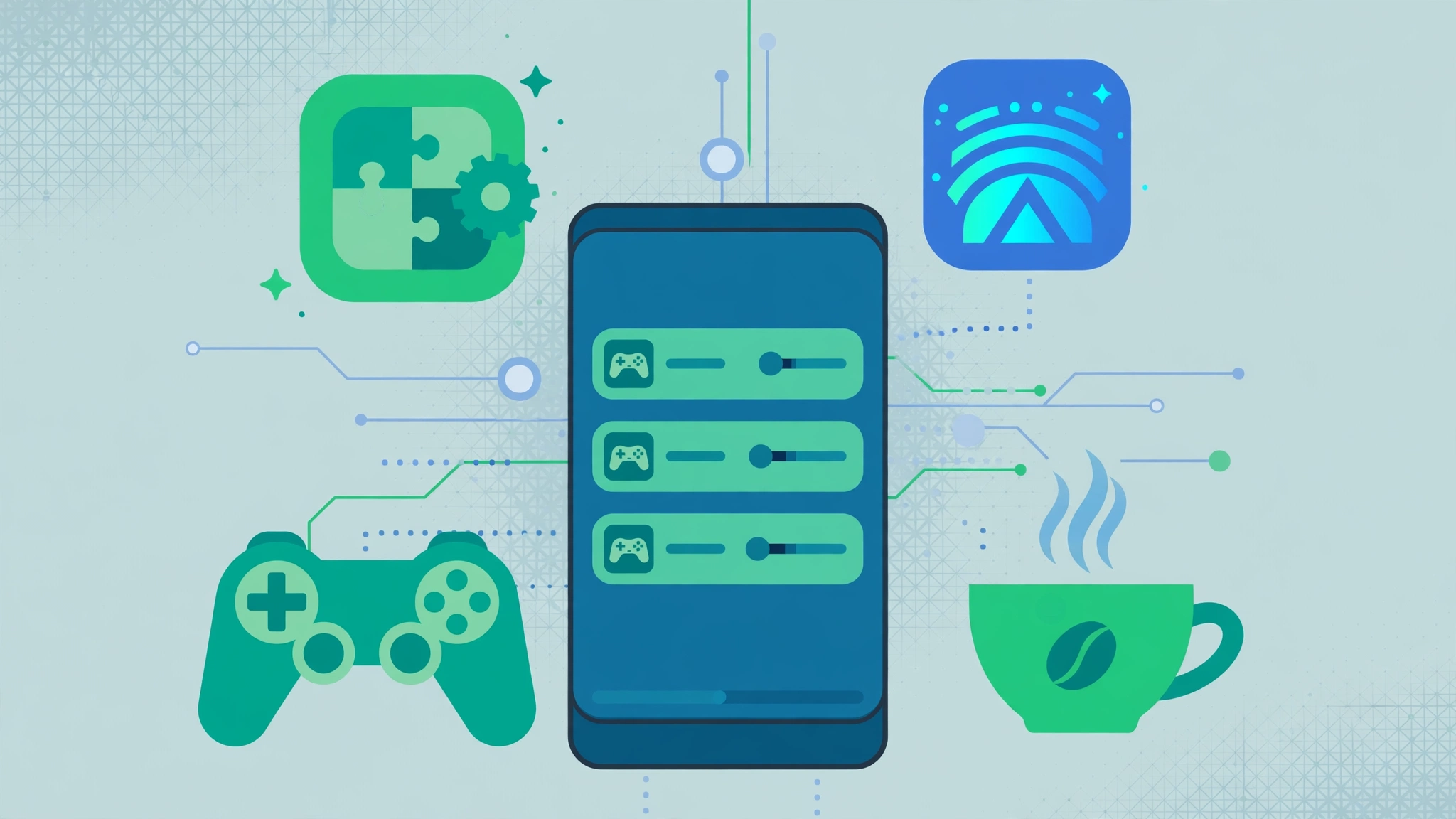
- Full Java Edition on Android: play Minecraft: Java Edition versions, including 1.20.1 and the latest releases, on your phone.
- Built-in Java runtimes: Java 8, 17, 21 and 25 come with the app, and the launcher picks the right one for each game version automatically.
- Mods and modpacks: download and install mods and modpacks, with support for Forge, NeoForge and OptiFine.
- Modern interface: a clean, card-based home screen built with Material Design 3, with a welcome guide on first launch.
- Microsoft account sign-in: sign in with the Microsoft account that owns Minecraft, using your system browser or the built-in browser.
- Custom controls and gamepad: a control layout editor with a style cabinet, plus gamepad support for a console-like feel.
- Multiple renderers: built-in renderers including MobileGlues, with graphics settings you can tune per version.
- Free and open source: released under the GPL-3.0 license, with the source code open for anyone to review.
How to Download and Install Zalith Launcher on Android
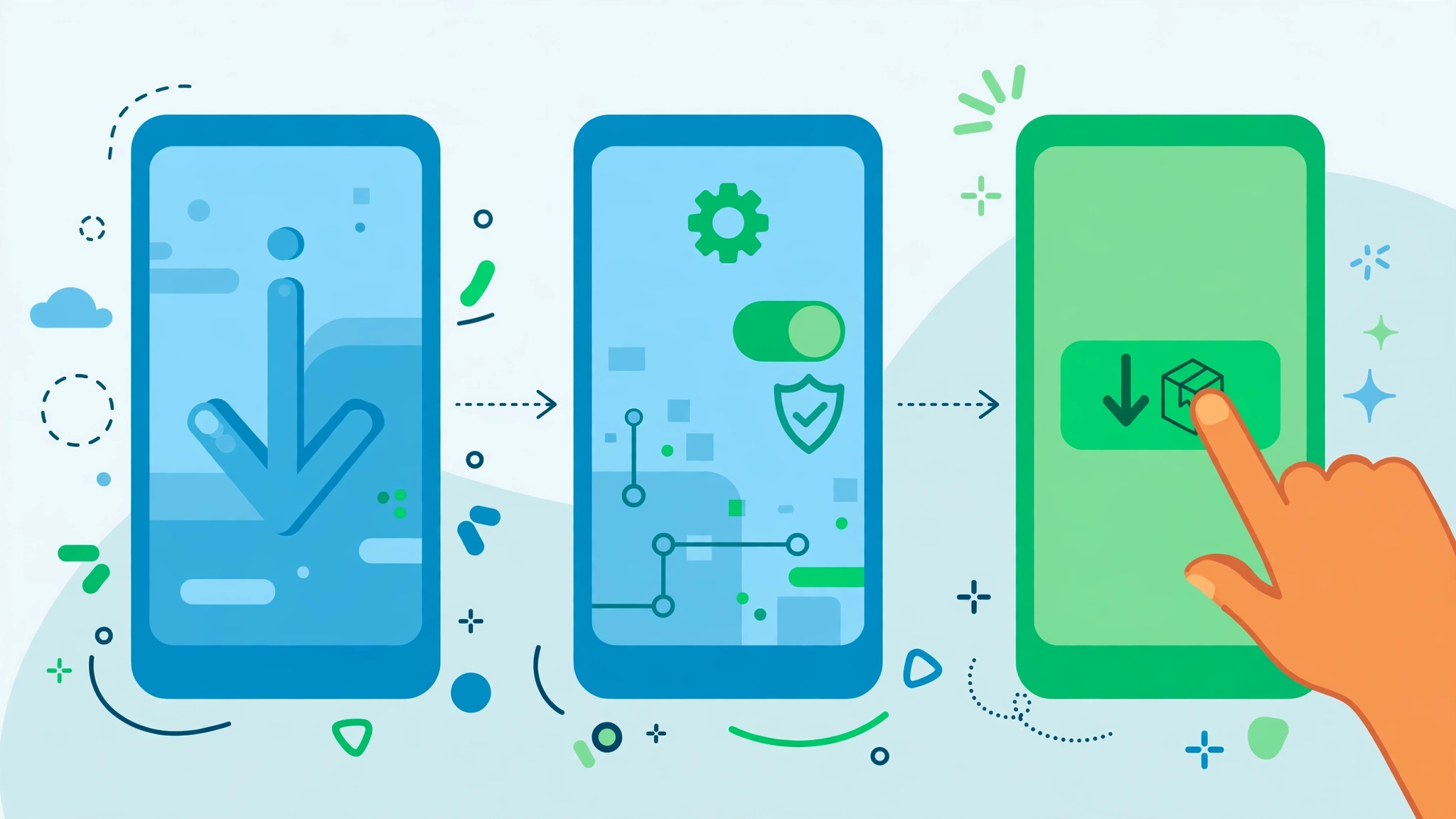
Follow these steps to install Zalith Launcher v2.8.2 on your Android phone or tablet:
- Tap the download button on this page to download the Zalith Launcher APK v2.8.2 file. The file is 176.2 MB, so use Wi-Fi if you can.
- When the download finishes, open the APK file from your notifications or your Downloads folder.
- If Android asks, allow installs from unknown sources for the app you downloaded it with, usually your browser or your file manager. This is normal for any APK that does not come from Google Play.
- Tap Install, wait for the install to finish, then tap Open.
- Sign in with the Microsoft account that owns Minecraft: Java Edition, pick a game version, and let the launcher download the game files. Then tap Play.
Is Zalith Launcher Safe and Legal?
Zalith Launcher itself is a free, open-source app, but it is only as safe as the file you install. This file was taken from the official GitHub release of the project. Check that the file is v2.8.2 and 176.2 MB before you install it. Avoid modified copies from random sites, because they are not official builds and they can carry malware. Zalith Launcher is not affiliated with Mojang or Microsoft. It is a community launcher, and you need a real Minecraft: Java Edition account to play, because the game files come from the official servers after you sign in.
On the legal side, the launcher is open source under the GPL-3.0 license, and it does not give you Minecraft for free. If you do not own the game, you cannot play the full version. Use only your own account, and do not download game files or mods from untrusted sources.
Troubleshooting: If the Install Fails
- “App not installed”: an older Zalith Launcher version is usually still on the phone, or storage is full. Uninstall the old version, free up space, and install the new APK again.
- “Parse error”: the APK file is probably incomplete or damaged. Delete it and download v2.8.2 again from the button above.
- Install is blocked: unknown sources are switched off for the app that opened the file. Turn it on for that app, your browser or file manager, and tap the APK again.
- Game will not launch or shows a black screen: try a different renderer in the version settings, and check that the launcher picked the right Java runtime for that game version.
FAQs – Zalith Launcher APK Download
Does Zalith Launcher work on all Android phones?
It works on phones running Android 8.0 or newer. This download is the ARM64 build, which fits most modern Android phones. Very old 32-bit phones need a different build.
Do I need a Minecraft account to play?
Yes. You need a Microsoft account that owns Minecraft: Java Edition. The launcher does not include the game itself, and it downloads the game files from the official servers after you sign in.
Do I need to root my phone?
No. Zalith Launcher installs like any other APK. You only need to allow unknown sources for the app that opens the file.
How do I update Zalith Launcher?
Download the new APK from the button on this page and install it over the old version. You do not need to uninstall first unless the install fails.
Why is Zalith Launcher not on Google Play?
It is a community open-source launcher, and it is distributed as an APK from the official project releases instead of the Play Store. That is why you install it from an APK file.
Free direct download from apkcheers.io – no sign-up needed
Disclaimer: Zalith Launcher is developed by the ZalithLauncher team and released under the GPL-3.0 license. apkcheers.io is not affiliated with or endorsed by ZalithLauncher, Mojang or Microsoft. Minecraft is a trademark of Mojang Synergies AB. Download and use the app at your own risk.