Cinema APK is one of the most searched movie apps for Android, and for good reason. It puts movies and TV shows from many sources in one simple app, with HD links, subtitles and offline downloads, all for free. In this guide you will get the latest Cinema APK v2.4.0 download, the full app details, the key features, and a step-by-step install guide that works on any Android phone.
Free direct download from apkcheers.io – no sign-up needed
Cinema APK at a Glance
| App Name | Cinema HD APK (Cinema APK) |
| Latest Version | v2.4.0 (Stable) |
| File Size | 28.6 MB |
| Requires Android | Android 5.0 and up, including Android 14 |
| Package Name | com.ycx.cinema.hd |
| Category | Entertainment |
| Price | Free |
| Updated | September 2026 |
| Also Available | v3.0.2 (Beta, modern interface, Android 11+) |
What is Cinema APK?
Cinema APK, also known as Cinema HD, is a free streaming app for Android. It is not listed on the Google Play Store, so you install it from an APK file instead. Inside the app you can browse movies and TV shows, search by title, and pick a streaming link in the quality you want, from standard definition up to HD. The app does not host videos itself. It finds links from third-party sources and plays them in your chosen video player.
Because it is free and light at only 28.6 MB, Cinema APK works well even on older phones and on Firestick and Android TV. Version v2.4.0 is the stable build recommended for most users, while v3.0.2 is a newer beta with a modern interface for Android 11 and newer phones.
Key Features of Cinema APK
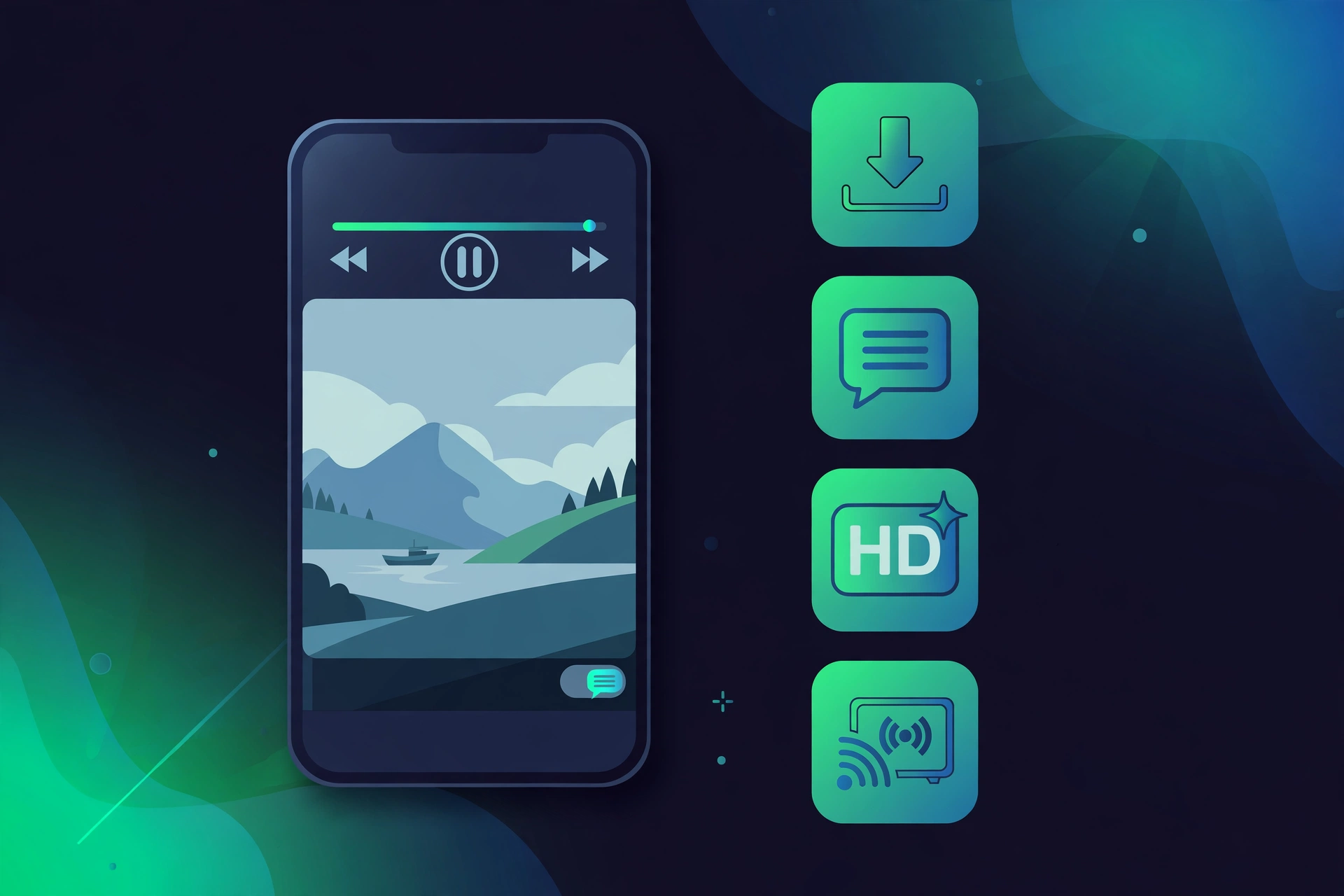
- Huge library: movies and TV shows across many genres, with new titles added regularly.
- HD links: choose your quality before you play, so it works on slow and fast connections alike.
- Subtitles built in: OpenSubtitles support, so you can turn subtitles on for any title.
- Offline downloads: save a movie on Wi-Fi and watch it later without internet.
- Trakt and Real-Debrid: connect Trakt to track what you watch, and Real-Debrid, Premiumize or AllDebrid for better links.
- External players: play with VLC, MX Player or the built-in ExoPlayer.
- Cast to TV: send what you are watching to your TV with Chromecast support.
- No account needed: install and start watching, with no sign-up.
How to Download and Install Cinema APK on Android

Follow these steps to install Cinema APK v2.4.0 on your Android phone or tablet:
- Tap the download button on this page to download the Cinema APK v2.4.0 file.
- When the download finishes, open the APK file from your notifications or your Downloads folder.
- If Android asks, allow installs from unknown sources for the app you downloaded it with, usually your browser or your file manager. This is normal for any APK that does not come from Google Play.
- Tap Install, wait for the install to finish, then tap Open.
- When the app asks for storage permission, allow it if you plan to download movies for offline viewing.
Is Cinema APK Safe and Legal?
Cinema APK itself is a free app, but it is only as safe as the file you install. This file was taken from the official Cinema HD site. Check that the file is v2.4.0 and 28.6 MB before you install it. Avoid modified or “no ads” copies from random sites, because they are not official builds and they can carry malware. There is no official ad-free version of Cinema HD. The official build shows adverts, and that is how it stays free.
On the legal side, be careful. Cinema APK is not on Google Play because it links to third-party sources instead of hosting its own catalogue. Watching copyrighted movies or shows without permission may break the law in your country, so use legal streaming sources and check your local rules. This guide is for information only, and apkcheers.io is not connected to the Cinema HD developers.
Troubleshooting: If the Install Fails
- “App not installed”: an older Cinema HD version is usually still on the phone, or storage is full. Uninstall the old version, free up space, and install the new APK again.
- “Parse error”: the APK file is probably incomplete or damaged. Delete it and download v2.4.0 again from the button above.
- Install is blocked: unknown sources are switched off for the app that opened the file. Turn it on for that app, your browser or file manager, and tap the APK again.
FAQs – Cinema APK Download
Does Cinema APK work on all Android phones?
It works on phones running Android 5.0 or newer, which covers most phones made in the last decade. It supports the common ARM chipsets as well as x86 devices.
Do I need to root my phone?
No. Cinema APK installs like any other APK. You only need to allow unknown sources for the app that opens the file.
How do I update Cinema APK?
Download the new APK from the button on this page and install it over the old version. You do not need to uninstall first unless the install fails.
Can I watch movies offline?
Yes. The app has an offline download feature, so you can save a movie while you have Wi-Fi and watch it later without a connection.
Why is Cinema APK not on Google Play?
It is not listed on Google Play because it links to third-party sources rather than hosting its own catalogue. That is why it is supplied as an APK from the official site.
Free direct download from apkcheers.io – no sign-up needed
Disclaimer: Cinema APK (Cinema HD) is developed by its respective developers. apkcheers.io is not affiliated with or endorsed by them. Download and use the app at your own risk, and follow the copyright laws in your country.